For Principal · 5 min
Logins, roles and permissions
Each person signs in with the school code and their own login. Roles decide what they can open.
adimata.com/schoolos/app/users
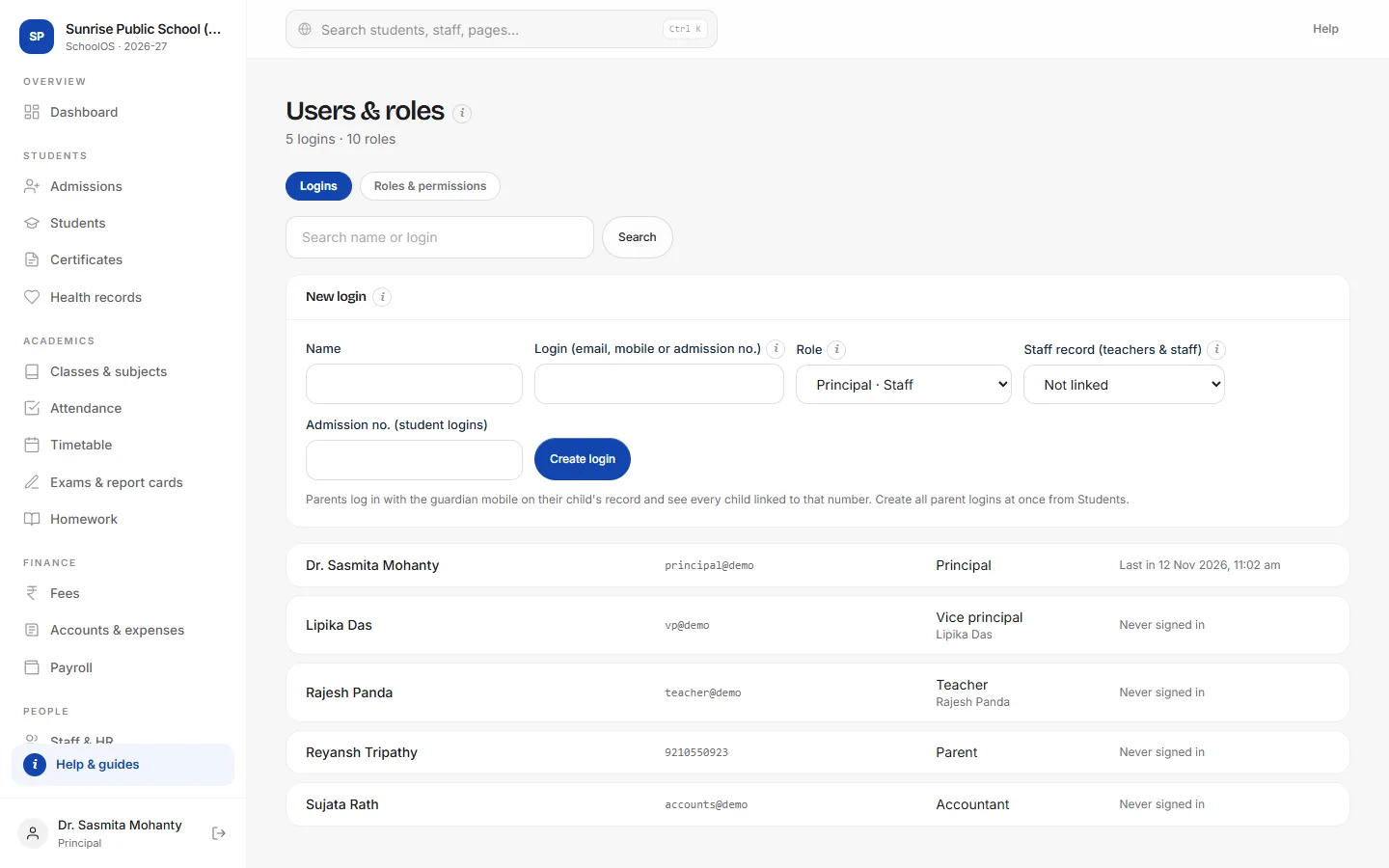
- 1Create a loginName, login (email, mobile or admission no.) and role. Link teachers to their staff record.
- 2Share the passwordThe password shows once, with a WhatsApp button to send it.
- 3Edit rolesRoles & permissions sets No access, View or Edit for every module.
Tips
- Create all parent logins at once from Students → Parent logins.
- Disable a login when someone leaves; their history stays.